
Using AI tools like Lovable AI to build dashboards, admin panels, or To-Do apps has already become a common practice. The results of such initiatives often exceed expectations. But what happens if AI is tasked with something more challenging: creating a React project scheduling app with Gantt chart functionality that supports drag-and-drop, resource management, working calendars, undo/redo, and Supabase integration? It is not an easy objective, but it becomes realistic with the right approach.
In this blog post, we want to share our experience in delivering our new multi-project Gantt planning demo in the Lovable AI environment.
Why AI Often Struggles to Create a Functional Project Management App with a Gantt Chart
The Lovable AI platform proved to be highly efficient for rapid prototyping and creating minimum viable products (MVPs) with standard layouts and common UI patterns through text prompts (also known as vibe coding). But building React task management apps powered by a Gantt chart using specialized UI components is a completely different story.
In such scenarios, Lovable AI requires more context to cover comprehensive project structures. We accepted this challenge and invite you to get acquainted with the lessons we learned while building a React Gantt app with AI.
Our Path Toward React Gantt Lovable Starter
Previously, we successfully integrated DHTMLX React Gantt into the Lovable-generated admin app and explored three context management strategies for working with third-party APIs in the Lovable environment. However, this new demo is a more ambitious and challenging project.
The DHTMLX Lovable Starter app is also built around DHTMLX React Gantt, but provides extended functional capabilities for managing multiple workflows. The technology stack includes other popular technologies such as React 18 + TypeScript, Vite, Tailwind CSS + shadcn/ui, React Router, TanStack Query, Redux Toolkit, and Supabase. To put all these technologies together into a single system, we needed 4 targeted build sessions with Lovable AI to create a Gantt chart app with React.
Let us walk you through each iteration and highlight the key achievements and setbacks.
1. From Prompt Collection to Prototype
This iteration was the most arduous and time-consuming part of our journey, but also very revealing of the complexity of such an undertaking. First, we fed more than 100 instructions to Lovable AI. The workflow was highly fragmented. A significant portion of the instructions (around 25-30) were debugging instructions to fix issues that arose because some prompts were vague or ambiguous for Lovable.
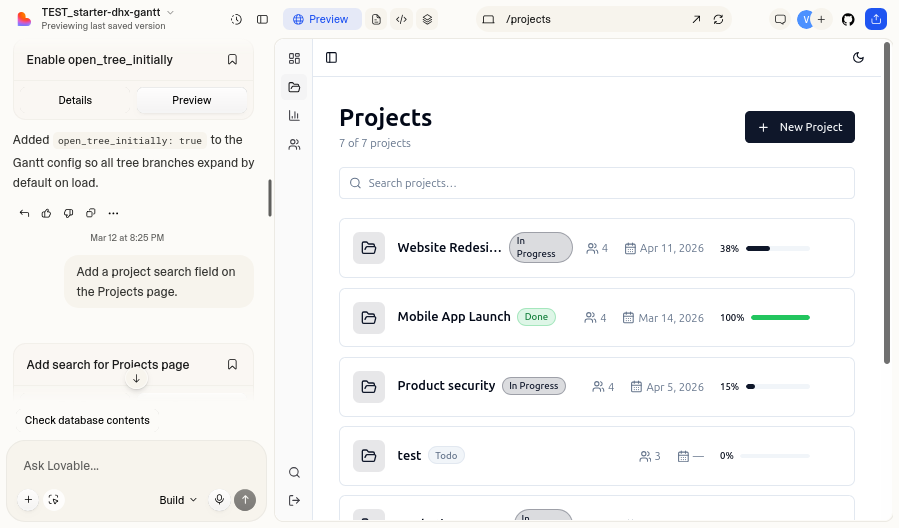
Although it is hard to call this first try a success, we still got a prototype for determining the optimal approach to vibe coding a full-stack React app with minimal manual edits and sparing use of Lovable credits.
2. Adding Obligatory Rules
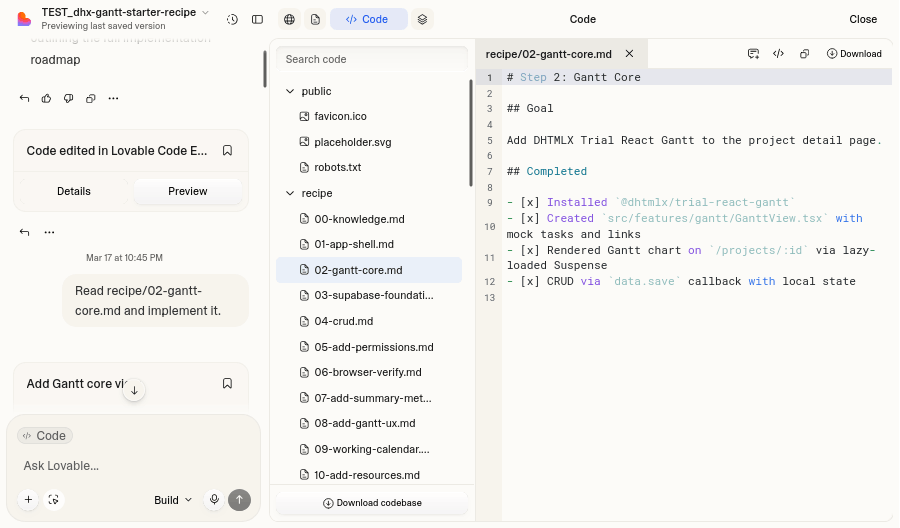
During the second attempt, we focused on making the workflow more structured and organized. At this point, it also became clear that the optimized workflow sequence was not enough for a seamless experience with Lovable. The build recipe also required a set of engineering invariants, i.e., consistent rules and constraints that Lovable AI must follow throughout the entire project.
3. Transitioning to AI-Assisted Engineering
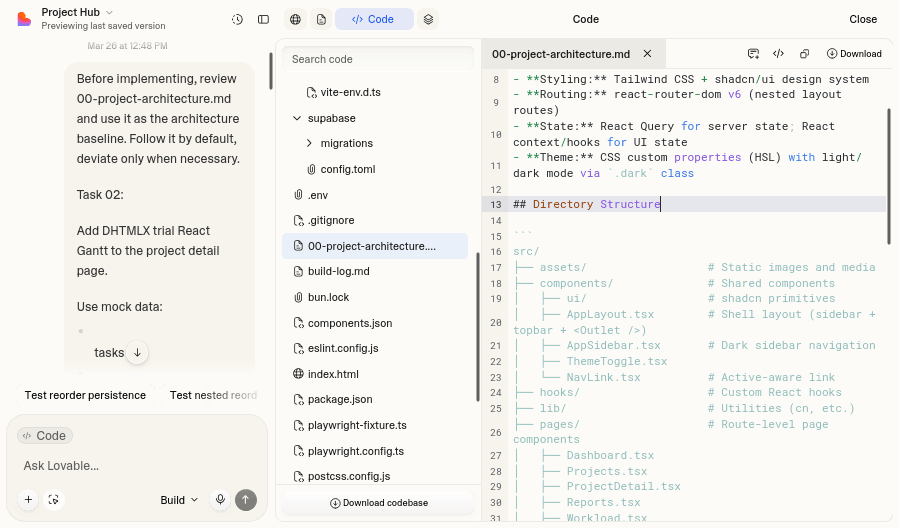
In the third build session, we had to introduce stricter architectural requirements and mandatory logging for each step. Instructions evolved from standard prompts into something like engineering tickets that explicitly outline the desired outcomes. At this stage, the project started shifting from prompt-driven development to the AI-assisted software engineering workflow.
4. Finalizing Lovable Build Strategy
Finally, we gathered all valuable lessons from previous sessions and combined them into a stable, reusable build process for AI-generated apps. Thanks to an optimized prompt structure with clear rules and constraints, we achieved the desired result. This version significantly reduces confusion or misinterpretation on the AI side, thereby minimizing the need for manual intervention.
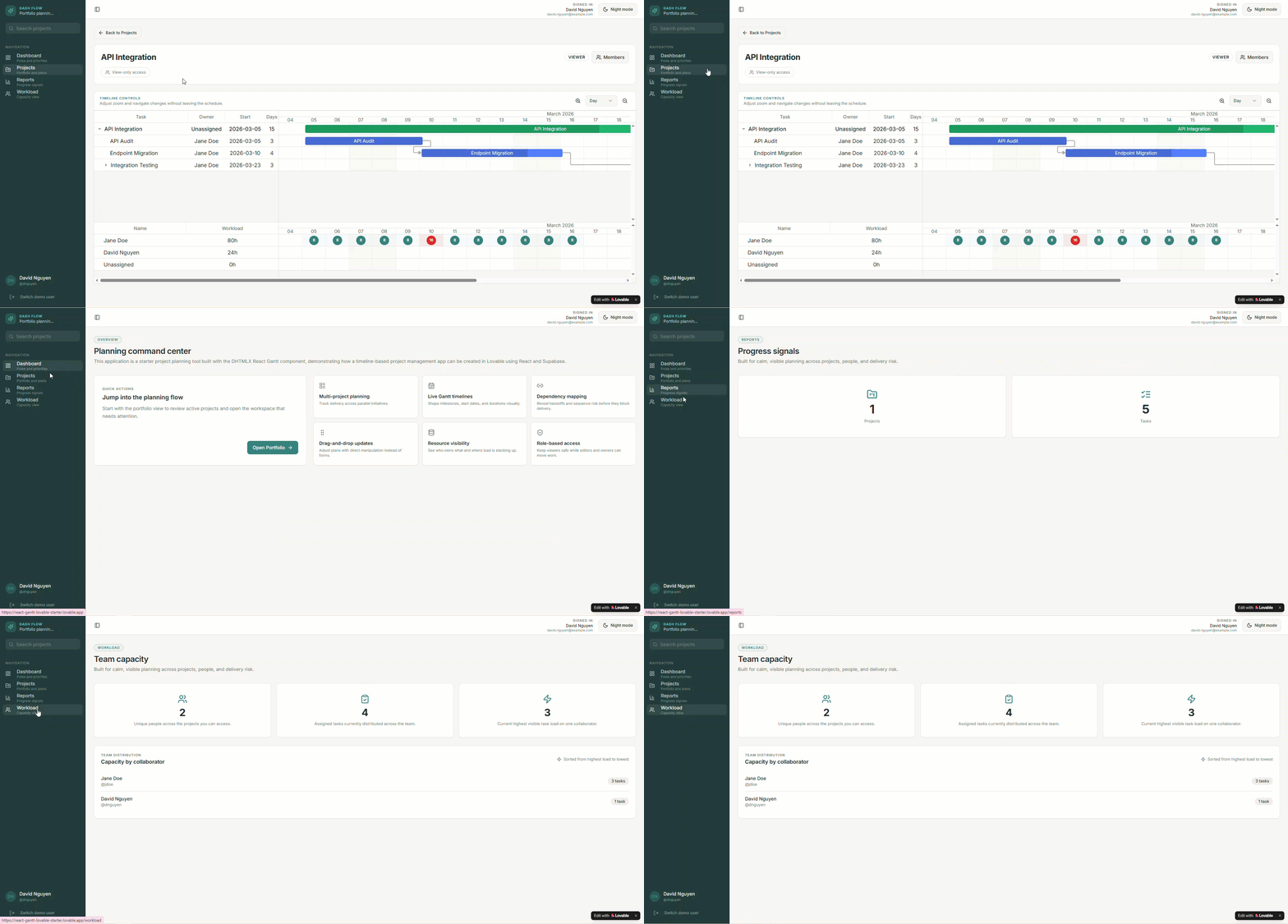 Check the live demo
The final result is a multi-project planning application with dashboards, reporting tools, workload management, and an interactive Gantt UI for projects.
How to Use Our Recipe for a Production-Ready React App
The React Gantt Lovable Starter demo was created not only as a learning resource on how to build a production-ready React app using AI, but it can also serve as a solid basis for your real projects.
You can employ the demo in two ways:
- Fully reproduce our build recipe from scratch
This approach is more time-consuming, but it gives you a deeper understanding of the development pattern and full control over it. We provide the full list of prompts required to generate a similar app, and known issues that we recorded along the way. The GitHub repo also includes a working app code and the Supabase setup.
- Use our repo as a starting template
Alternatively, you can skip the prompt-driven Lovable workflow and quickly get access to a ready-to-run starter project. It can be a good starting point for your own project. All you have to do is clone the repo, connect your Supabase backend, and start customizing the app according to your project requirements.
To simplify your AI-assisted development experience with DHTMLX React Gantt, we recommend exploring the following resources:
- DHTMLX React Gantt Installation
- DHTMLX MCP Server
- Agent Skill for DHTMLX React Gantt
- Tips on Enhancing AI-Assisted Development Workflow
- Lovable AI Integration Guide
- Reproduction Guide for the Starter Demo
Overall, our demo project vividly demonstrates that building project management software with AI is a feasible task, especially when using specialized UI components like DHTMLX React Gantt. However, success in such projects requires structured engineering workflows rather than isolated AI coding prompts.