
We continue exploring the peculiarities of using DHTMLX React Gantt in AI-powered development with Lovable AI. Previously, we covered the basics of this integration, including embedding the Gantt functionality in the dashboard layout, and learned that AI scaffolding tools like Lovable require extra context to work with specialized UI components properly.
Now, it is time to consider how to address context-related issues in projects built with Lovable. In practice, there are only three ways to provide an LLM with additional context about a third-party API:
- by embedding the details directly into the prompt,
- by supplying curated documentation via a Knowledge Base,
- or by connecting to an online documentation source through an MCP server.
In this guide, we’ll explore each of these options, including the one with DHTMLX MCP server, and see how well they work in the AI-generated React admin panel based on DHTMLX React Gantt that you set up in Part 1.
Passing Context via Prompt Only
Last time, we fixed a runtime issue caused by an incorrect date format in task data. In that case, the problem was resolved by applying a local code fix. This time, instead of modifying the code manually, we’ll try to solve the same issue using Lovable.
One way to do this is to describe the required Gantt API behavior directly in the prompt. To test this, you should keep the local fix only as a reference and ask Lovable to fix the same problem using a prompt like this:
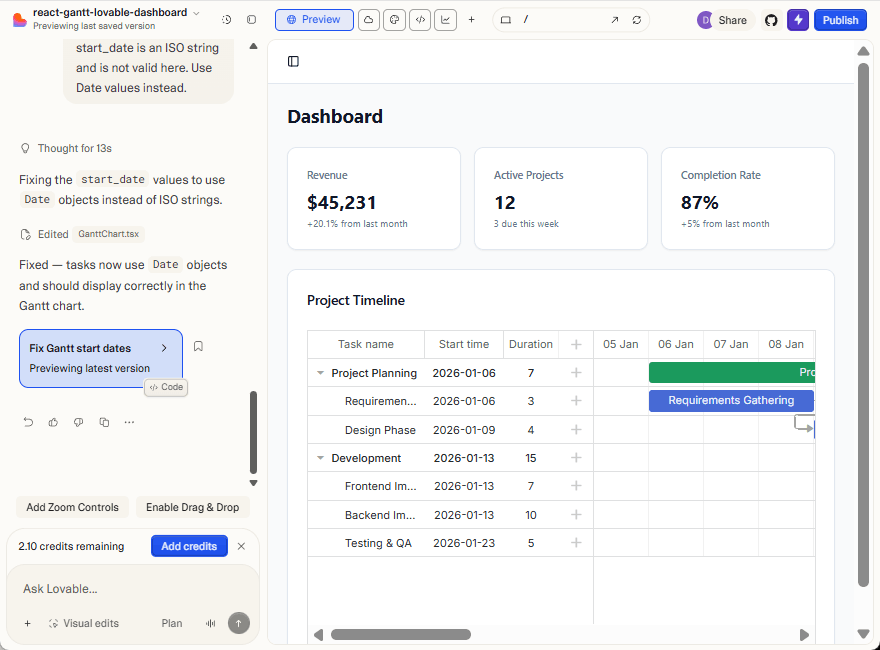
start_date is an ISO string and is not valid here. Use Date values instead.
After applying this change, the tasks will appear on the timeline.
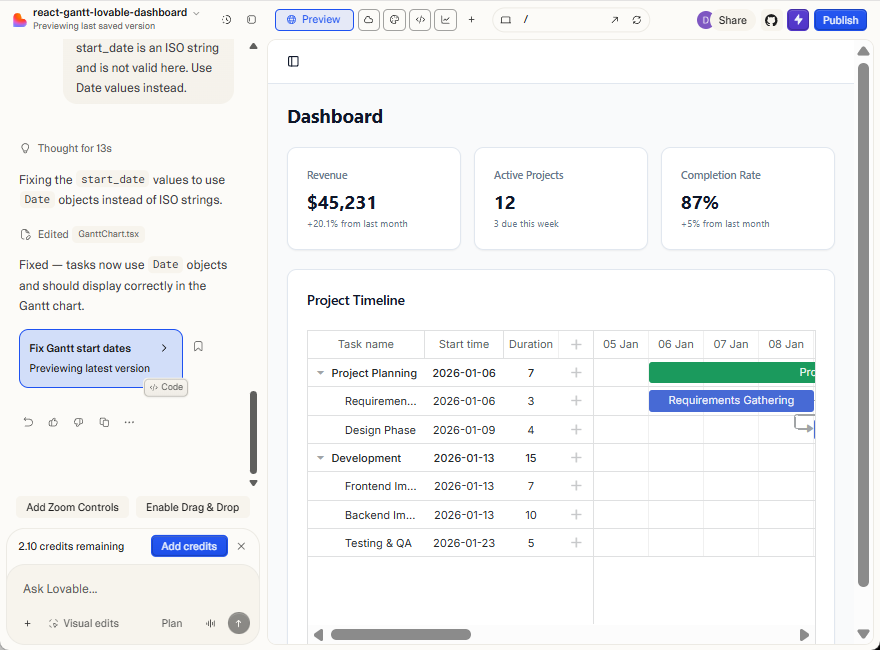
At the same time, it seems risky to rely on the prompt-only approach. In such integrations, many details should be taken into account, and it is hard to include them in a single prompt. When some necessary data is missing, Lovable will rely on the Gantt API to fill in these gaps, which may turn out to be incorrect at runtime.
It’s also worth noting that prompts are not reusable. Each new project, page, or change requires repeating the same explanations again, often with small variations. Over time, this makes the process harder to maintain and increases the chance of errors.
This leads to the next question:
Can we provide AI developer tools like Lovable with a stable, reusable source of truth instead of repeating everything in prompts?
The solution is to use a Knowledge Base to supply curated documentation to the AI and see how much it improves the integration experience.
Passing Context via Knowledge Base for AI
Instead of repeating API details in prompts, Lovable allows you to provide a Knowledge Base, which serves as a persistent source of information reused across requests. Before adding any Knowledge Base, you can try a simple example using prompts only.
Ask Lovable to add a global theme toggle:
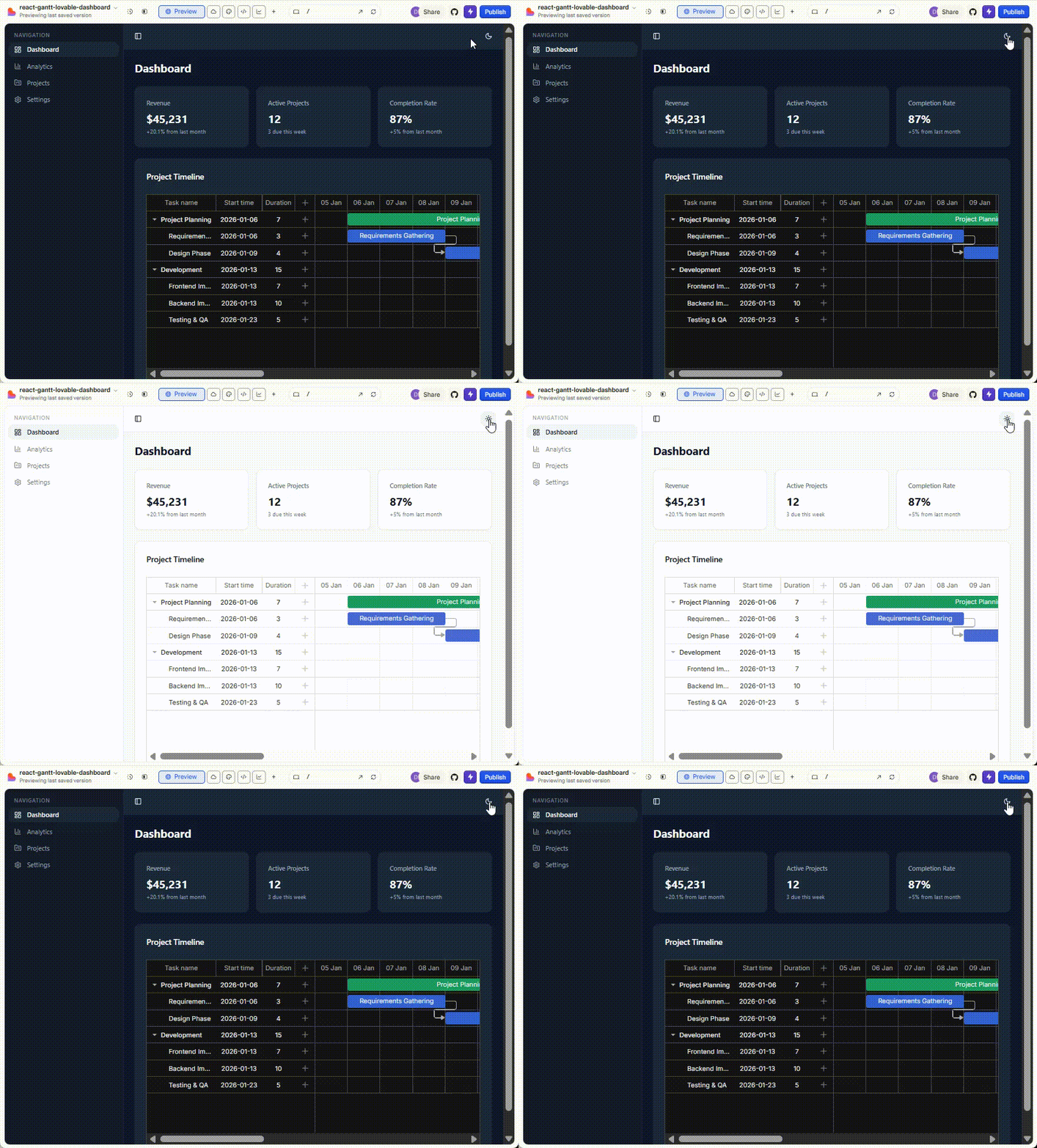
Here is what you get:
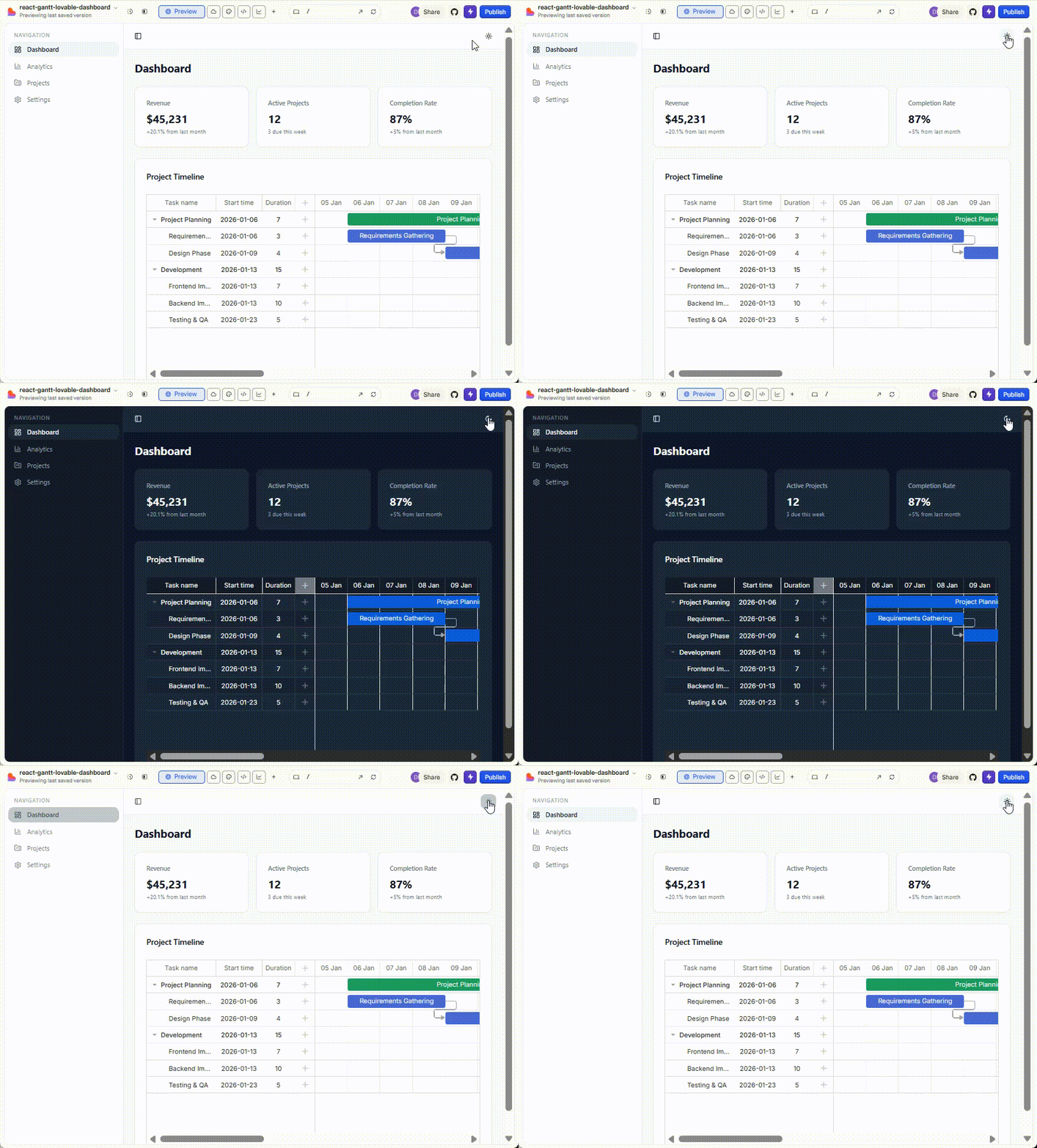
A theme toggle appears, and the application colors change when switching between Light and Dark modes. Now let’s look at how this behavior is implemented in the generated code.
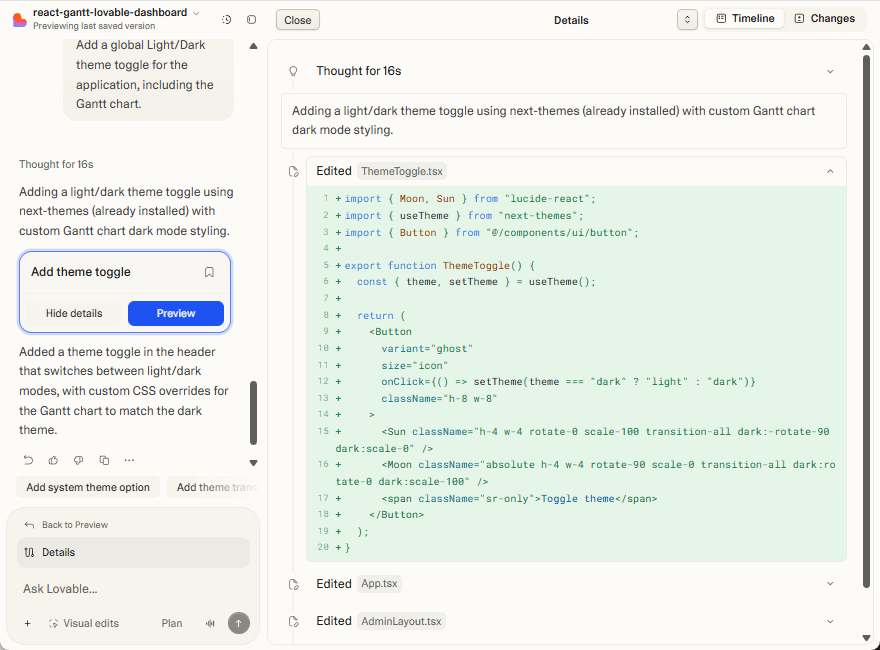
Lovable added a global Light/Dark theme toggle using next-themes and updated the application styles accordingly.
The Gantt chart appearance also changed, but not via the Gantt API. Instead, Lovable applied global CSS overrides that affect Gantt DOM elements when the application is in dark mode. As a result, the Gantt visuals change indirectly, but its internal theming mechanism remains unused.
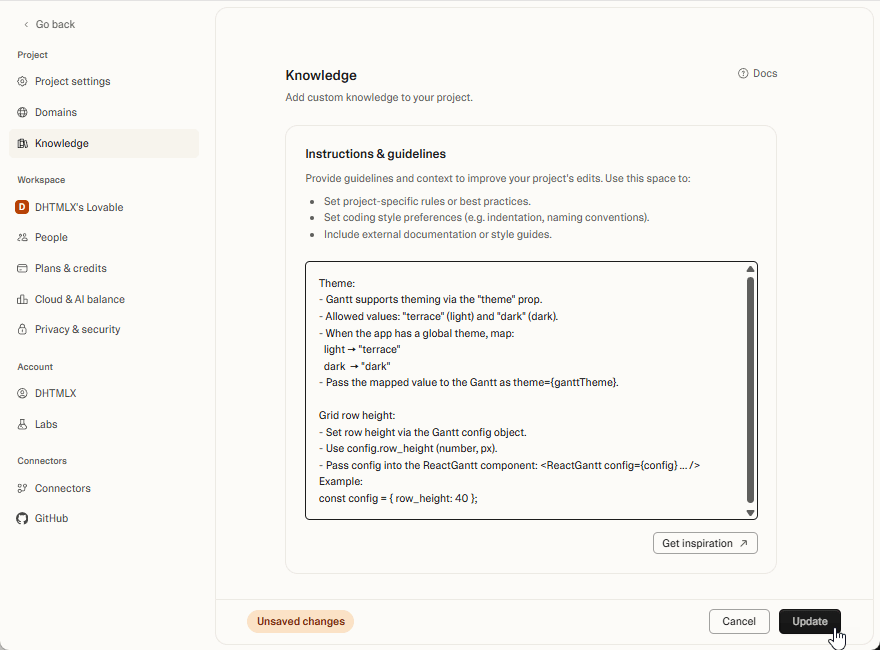
To guide Lovable in the right direction, you need to add a minimal set of Gantt theming rules to the project Knowledge Base.
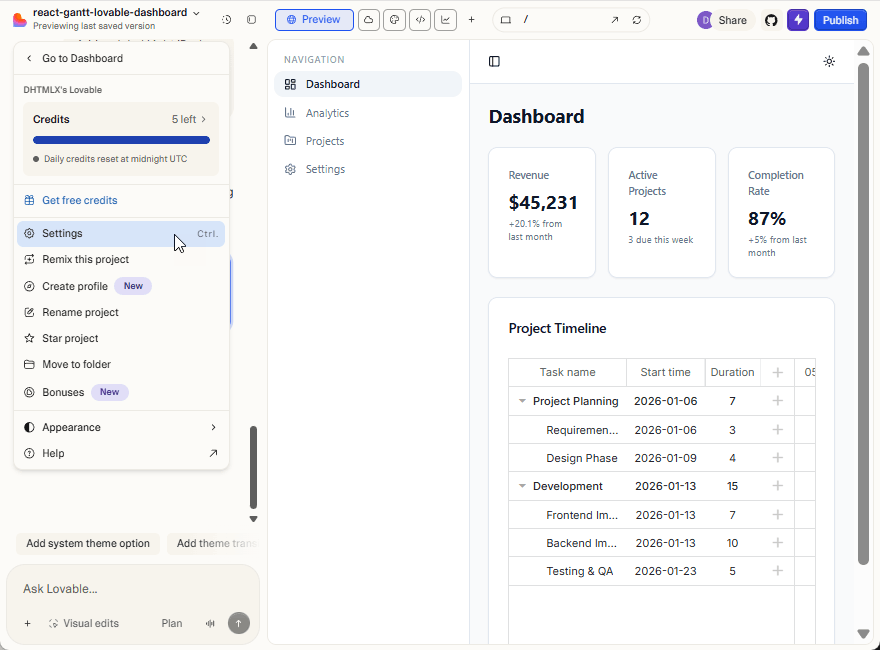
Open the project settings in Lovable.
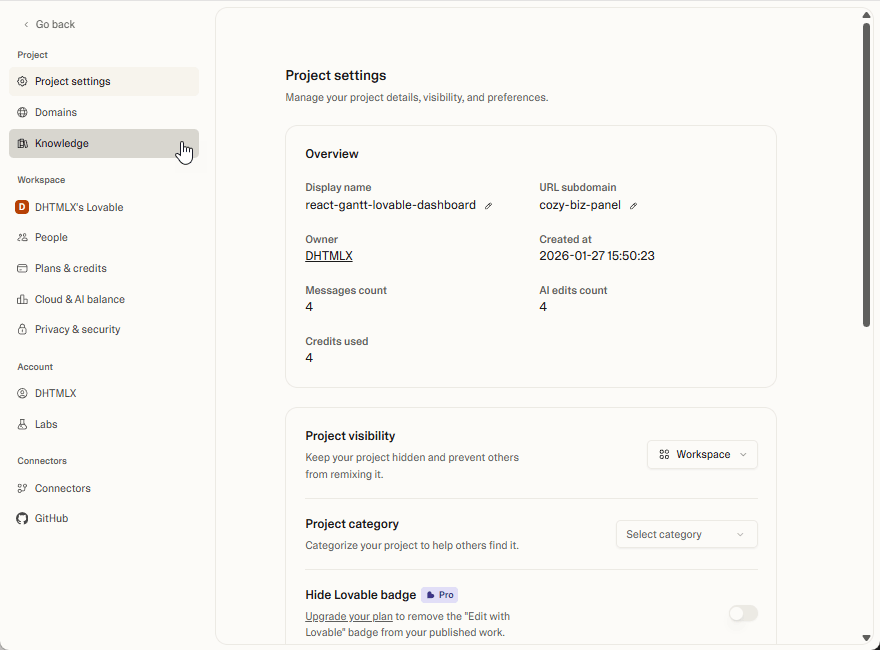
Go to the Knowledge section:
Add a new entry with the following content:
- Gantt supports theming via the "theme" prop.
- Allowed values: "terrace" (light) and "dark" (dark).
- When the app has a global theme, map:
light -> "terrace"
dark -> "dark"
- Pass the mapped value to the Gantt as theme={ganttTheme}.
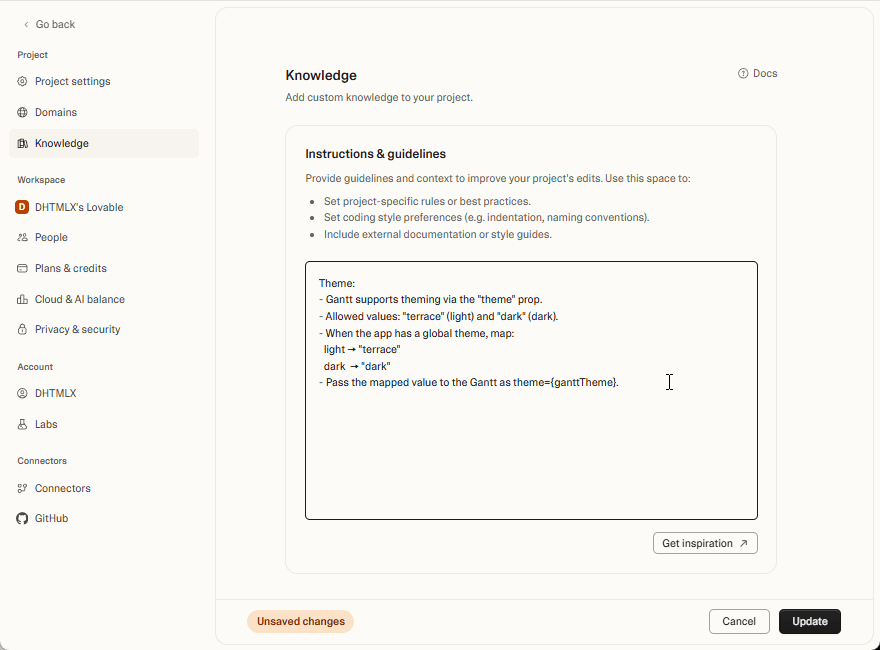
After adding custom knowledge about your project to the base, you can ask Lovable to fix the theme integration.
Now submit the following prompt:
It currently relies on CSS instead of the Gantt API.
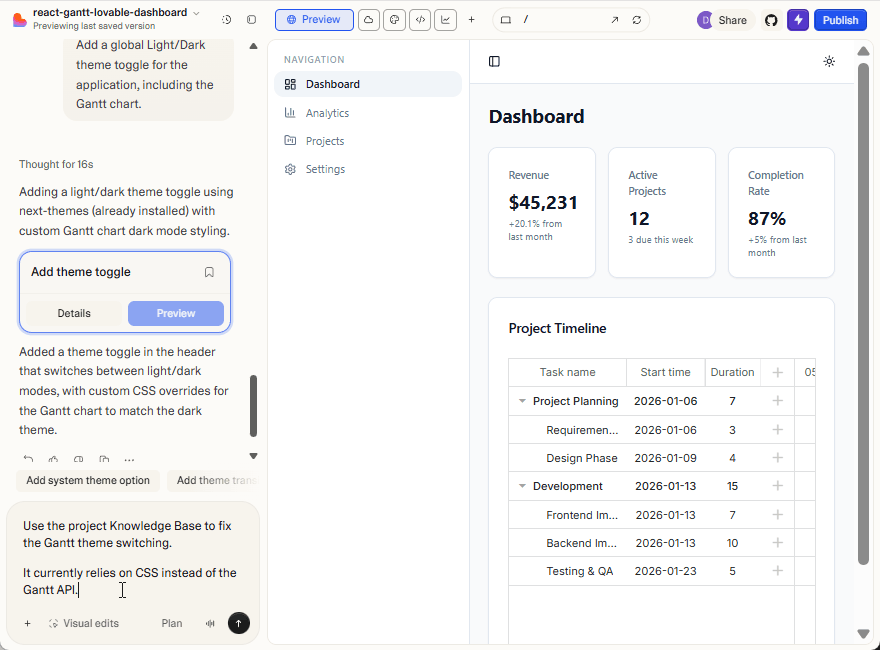
After submitting the prompt, Lovable updates the project.
Let’s look at what changed in the generated code.
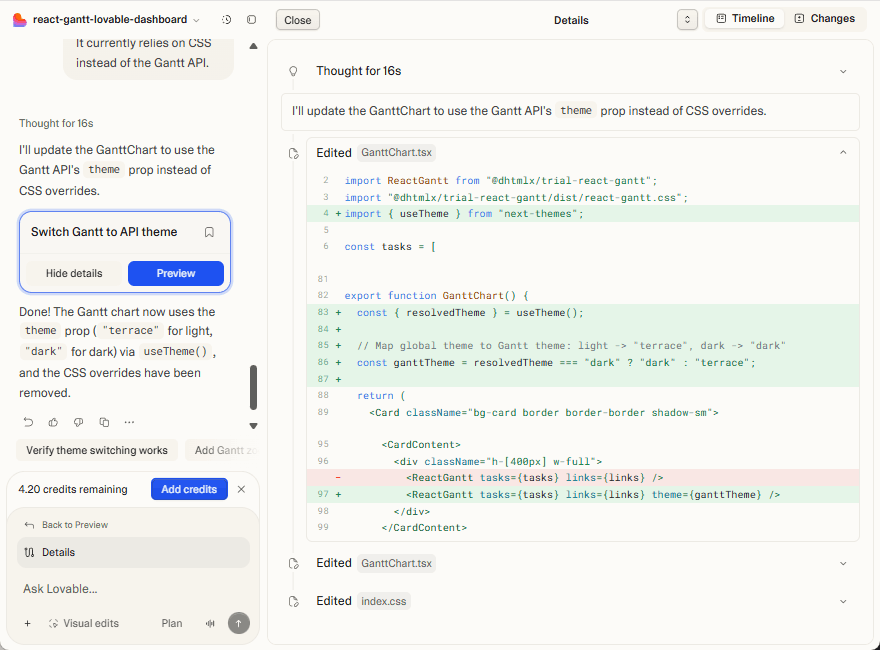
You can see that Lovable now uses the Gantt API for theming.
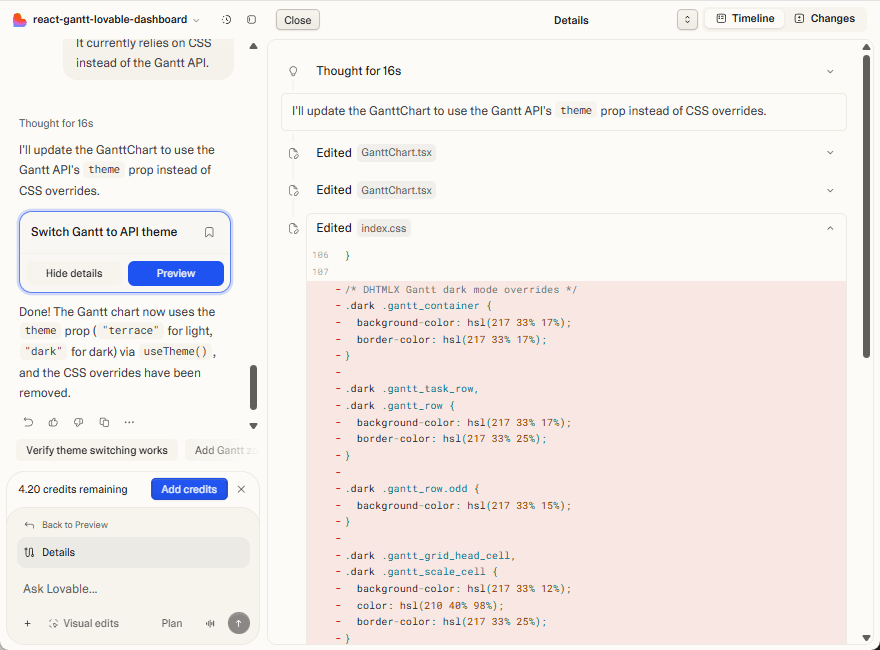
To confirm that this approach works beyond theming, try another small change using the Knowledge Base.
For instance, adjust the Gantt grid row height. Open the project Knowledge section and add a new entry with the following content:
- Set row height via the Gantt config object.
- Use config.row_height (number, in pixels).
- Pass the config into the ReactGantt component:
<ReactGantt config={config} ... />
Example:
const config = { row_height: 40 };
With the Knowledge Base updated, you submit a new prompt:
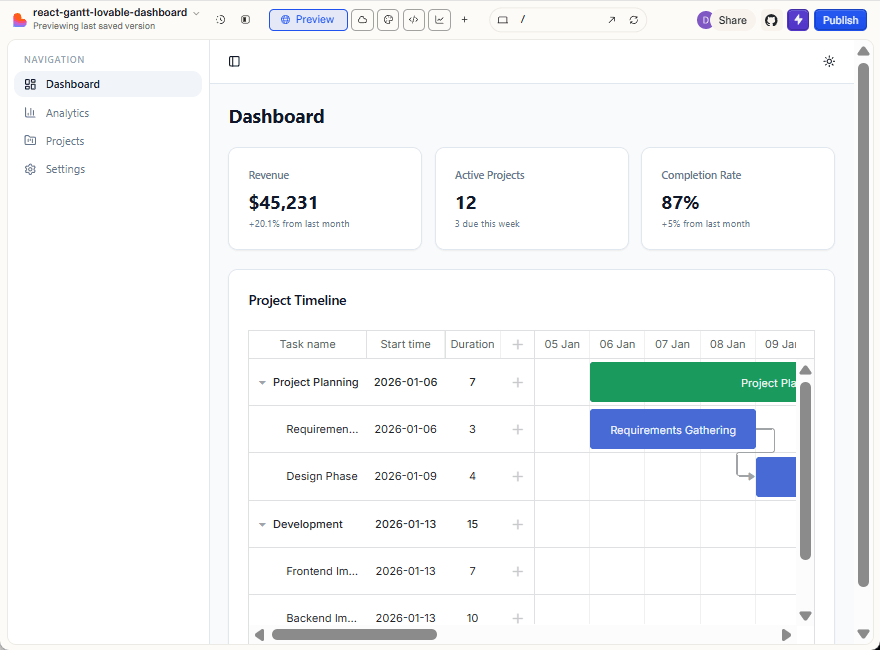
Set the Gantt grid row height to 60.
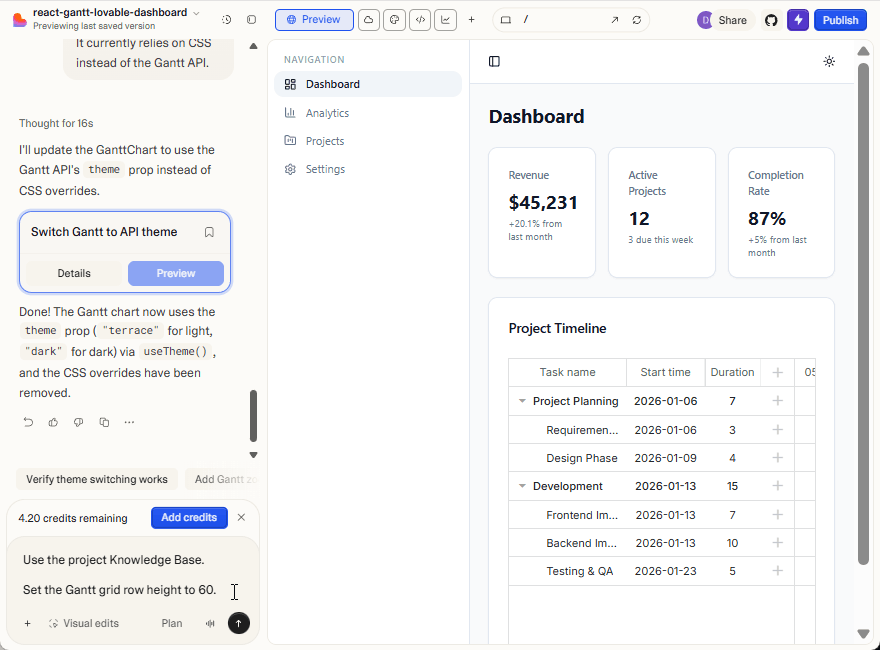
As a result, the grid height in the Gantt chart is updated to 60px:
From these examples, you can see that Lovable can use information from the Knowledge Base and apply the Gantt API correctly.
At the same time, the Knowledge Base has practical limits. Its total size is capped (around 100k characters), which makes it impossible to add the full documentation for a large library like DHTMLX Gantt.
It means that you have to be selective. Instead of adding the complete documentation to the base, you can try to include only the essential parts. For instance, it can be React-specific sections or API descriptions with examples. This can work for some scenarios, but it becomes an issue over time. When most of the Knowledge Base capacity is dedicated to a single library, there is little room left for anything else.
For a broader and more flexible usage, a different approach is needed. It should allow the AI tool to access the full, up-to-date API without size constraints. The most suitable solution for low-code AI development is to add an MCP server that will provide the necessary information from the official Gantt documentation on demand.
Using DHTMLX MCP Server for Gantt Integration in Lovable AI
This approach is particularly applicable for DHTMLX products thanks to the availability of the official DHTMLX MCP server. However, connecting custom MCP servers to Lovable requires a paid subscription.
On the free plan, a practical workaround is to use a Notion MCP connector. Lovable can read documentation from Notion and use it as an on-demand context for the Gantt API.
Let us start by exploring the Notion-based approach, and then move on to the official DHTMLX MCP server.
In the project settings, open the Connectors section and connect your Notion workspace.
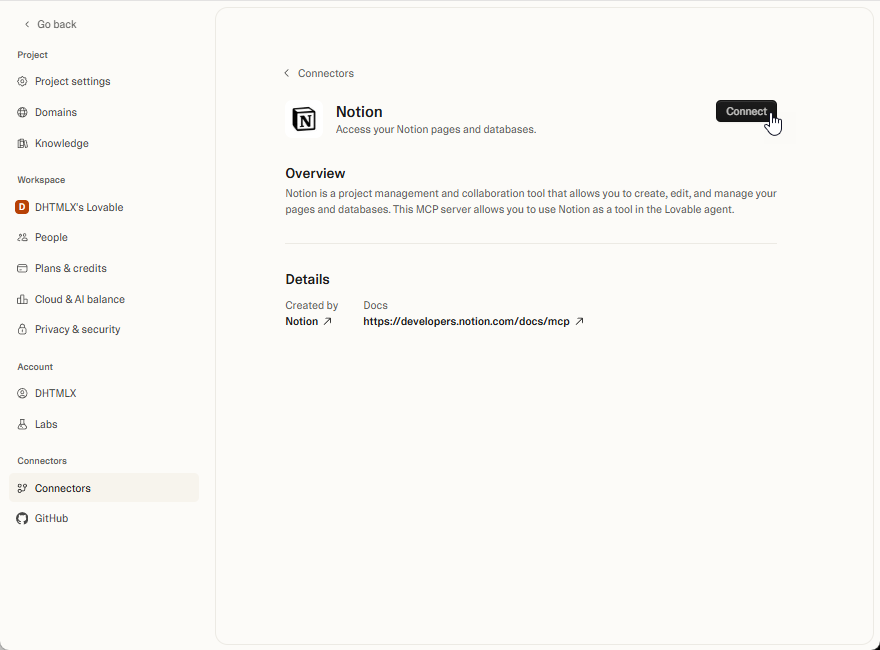
After that, Lovable can read pages from Notion and use them as on-demand context while generating or modifying code. You can add a curated subset of the DHTMLX React Gantt documentation to a Notion page. Now that Notion is connected, you can explicitly ask Lovable to rely on it.
Try to ask Lovable to configure the Gantt chart with Day and Month scales, using the following prompt:
Configure the Gantt timeline scale to use a monthly with daily subscale.
When processing this prompt, Lovable will request permission to access Notion data via Notion Search and Notion Fetch. Grant these permissions so Lovable can locate the “DHTMLX React Gantt API” page and read the relevant configuration rules.
Here is the result:
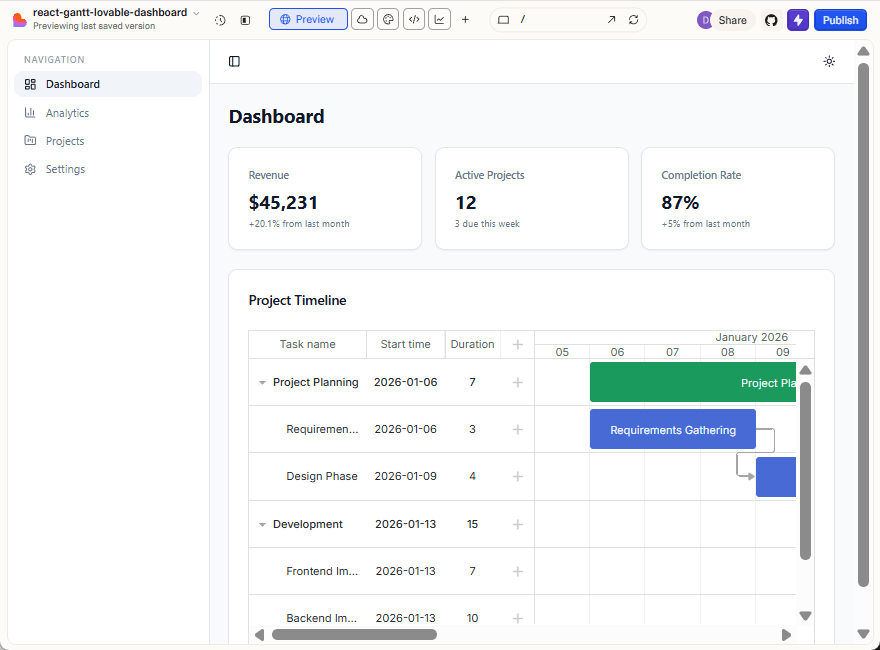
Lovable correctly used the information from Notion and configured the Gantt timeline scale as requested. However, the Notion approach still relies on manually curated documentation. The quality of the results depends on how complete and up-to-date the content is, and maintaining it becomes an additional task as the project evolves.
To explore a more scalable workflow, switch to a Lovable paid account and create a new project. After that, connect the official DHTMLX MCP server and repeat similar changes with direct access to the full Gantt API. Open the Lovable project settings and connect the MCP server:
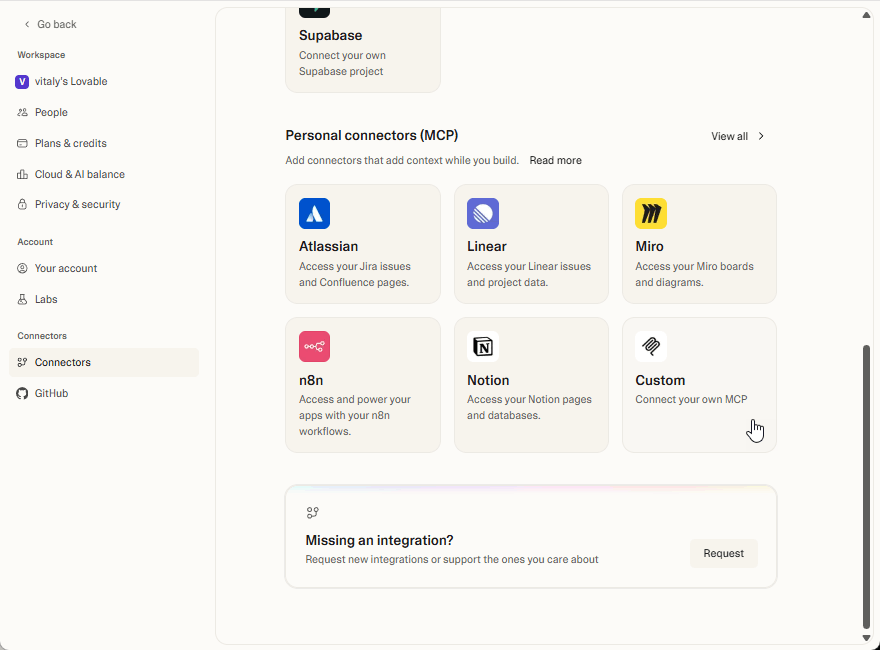
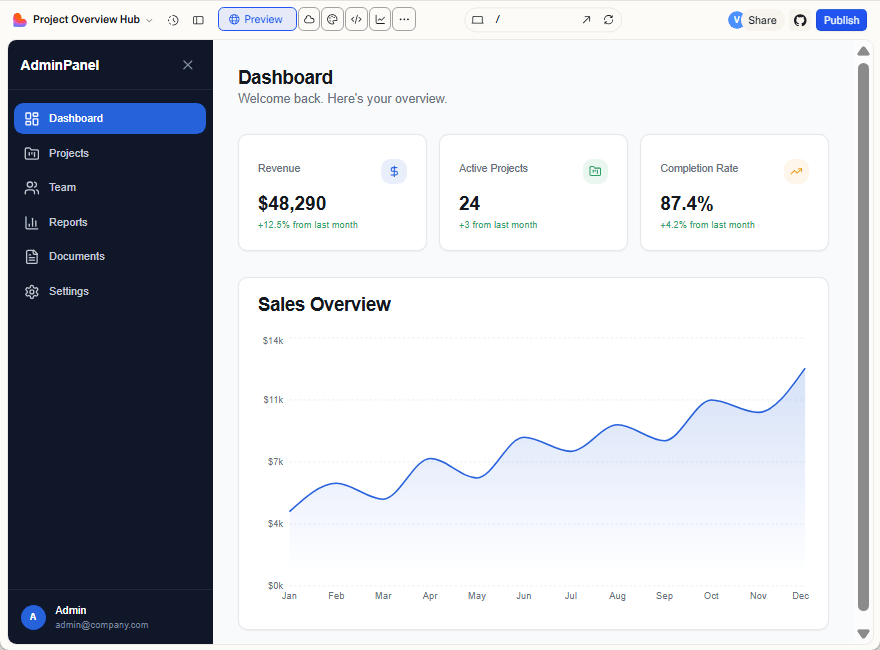
After the connection is established, Lovable can fetch official documentation on demand while generating or modifying code. Then, ask Lovable to generate a new admin project from scratch, similar to the one created earlier.
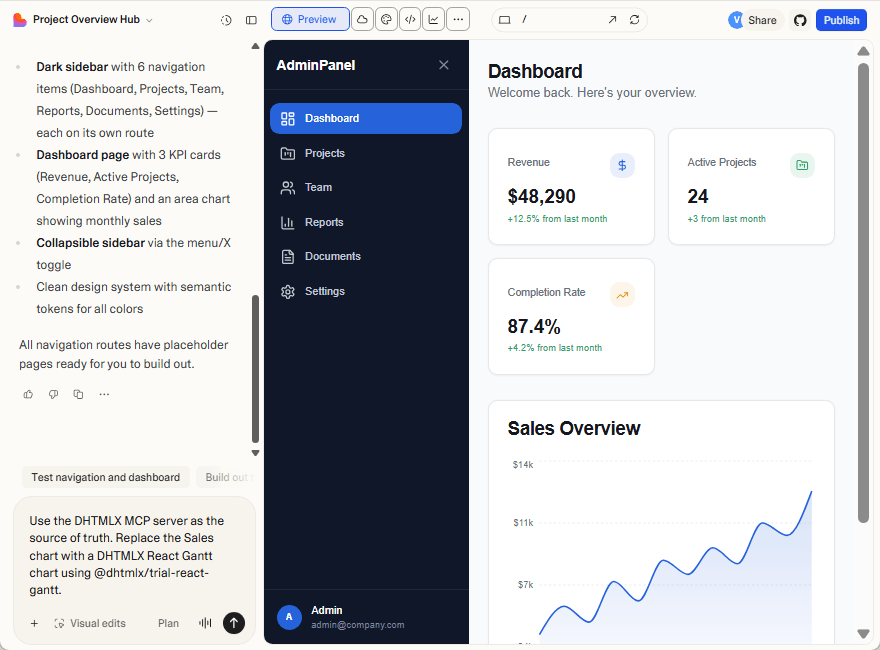
Next, you should request replacing the Sales chart with a Gantt chart and explicitly instruct Lovable to use the MCP server as the source of truth.
Submit the following prompt:
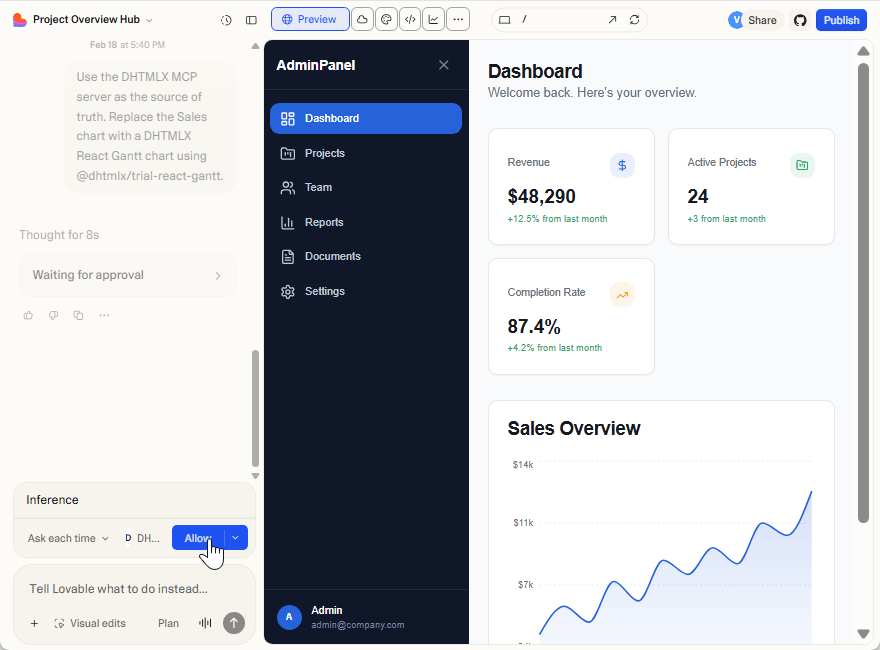
Lovable asks for permission to access the MCP server. Approve the request so it can retrieve the documentation and proceed.
Lovable obtains the necessary context and replaces the Sales chart with the DHTMLX React Gantt chart.
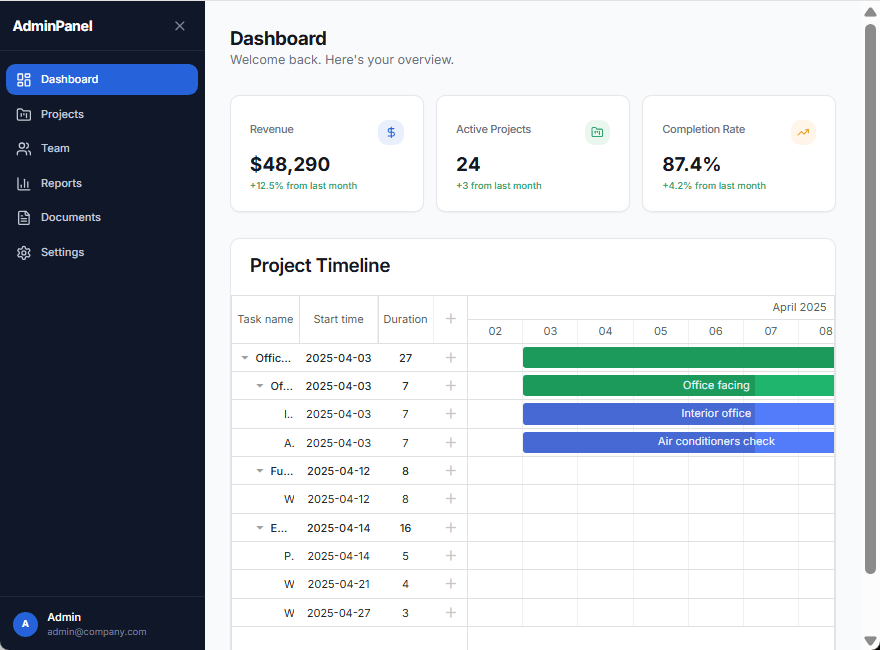
However, after reloading the page, you can notice a small issue unrelated to the Gantt integration itself. The app theme and the sidebar behavior become inconsistent. The sidebar still collapses, but the main content does not always expand to occupy the freed space, and the theme colors may shift unexpectedly.
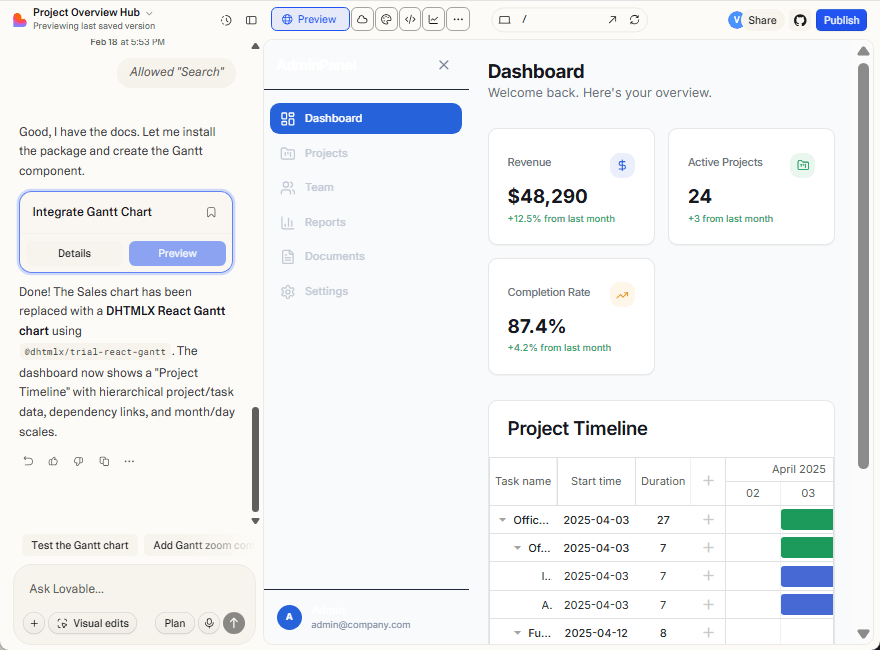
Ask Lovable to fix this with the following prompt:
Ensure the sidebar, layout, and theme remain consistent across navigation and state changes.
Lovable will update the project and resolve the layout and theme inconsistencies.
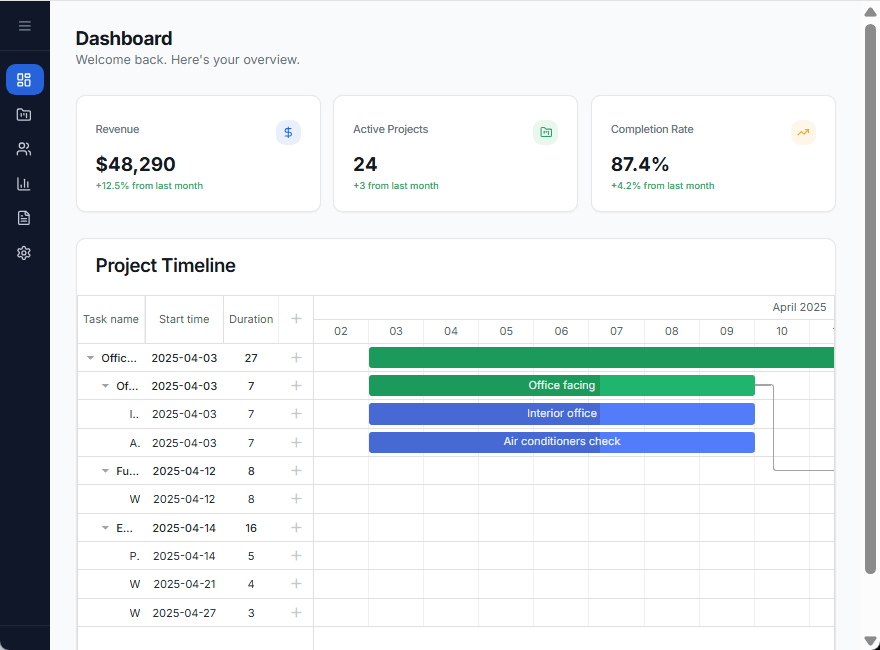
Next, you check how Lovable handles additional Gantt configuration by adding theme switching:
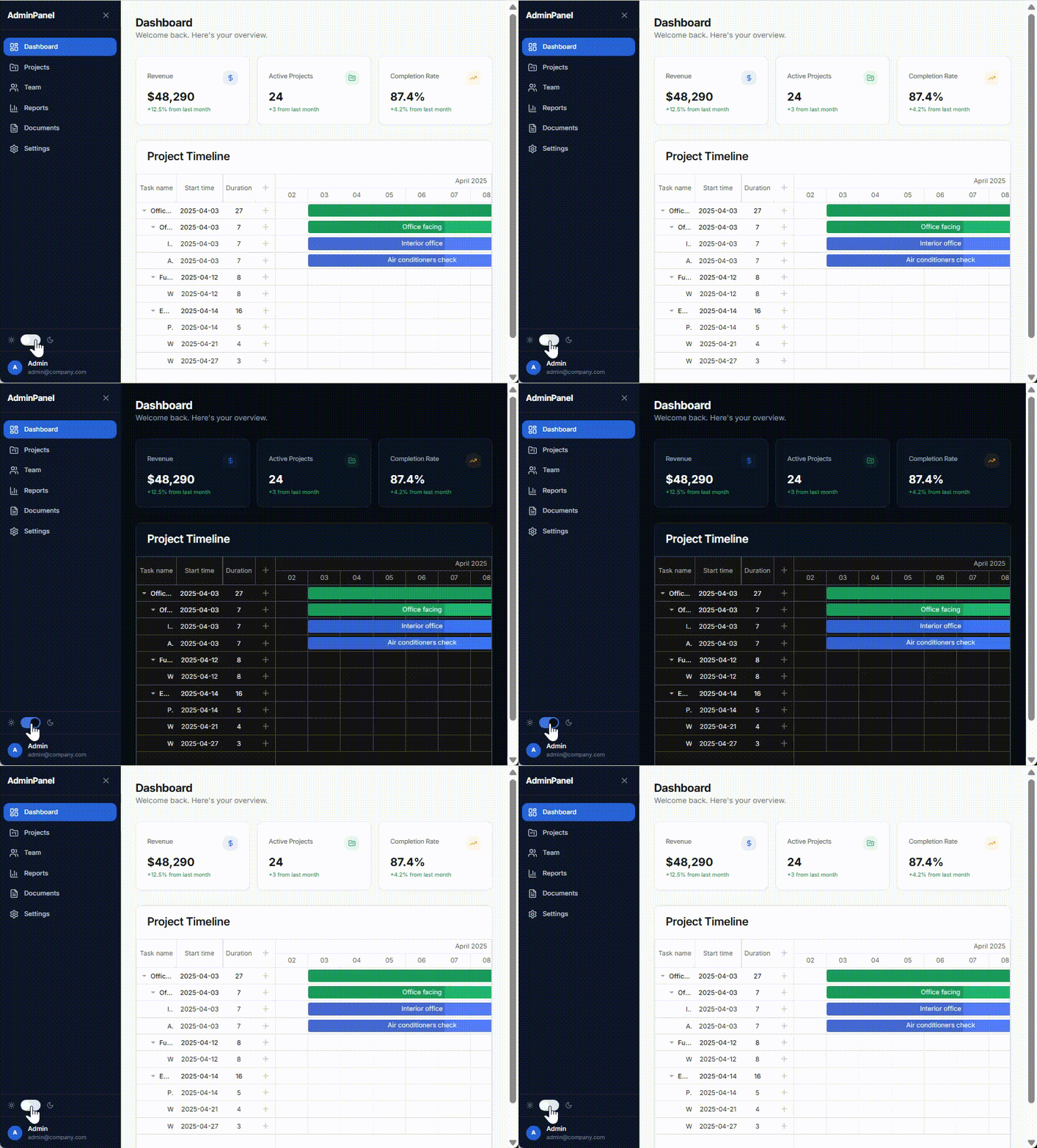
Add a UI toggle that switches the application theme between light and dark mode, and ensure the DHTMLX React Gantt theme switches accordingly.
Sometimes the request may take a bit longer to process, but Lovable will eventually complete the update and applies theme switching to the Gantt chart.
After that, ask Lovable to change the Gantt row height:
Set the Gantt grid row height to 60 pixels.
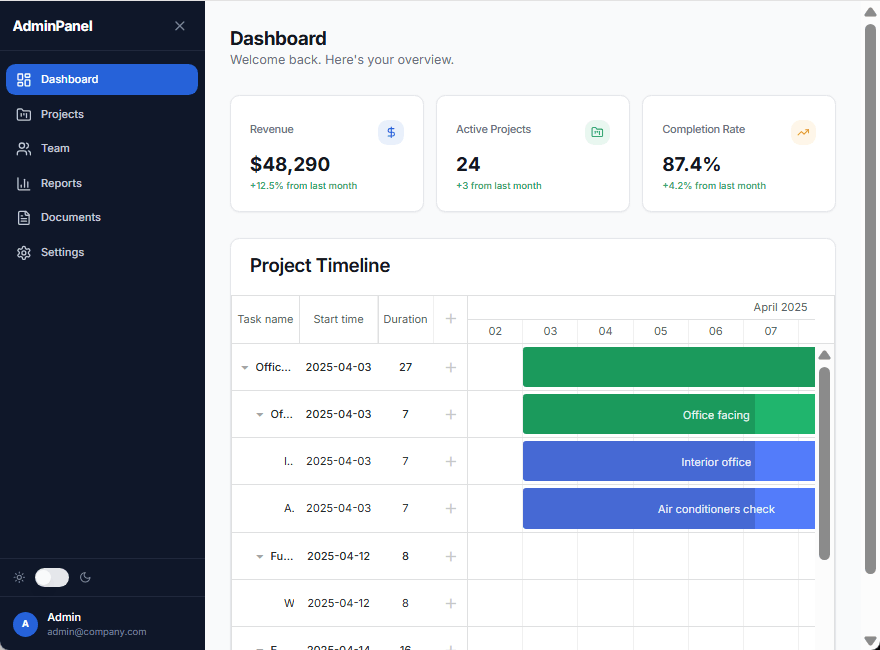
Lovable retrieves the configuration from the MCP server and updates the row height. Finally, let’s adjust the timeline scale:
Configure the Gantt timeline to use a daily scale only.
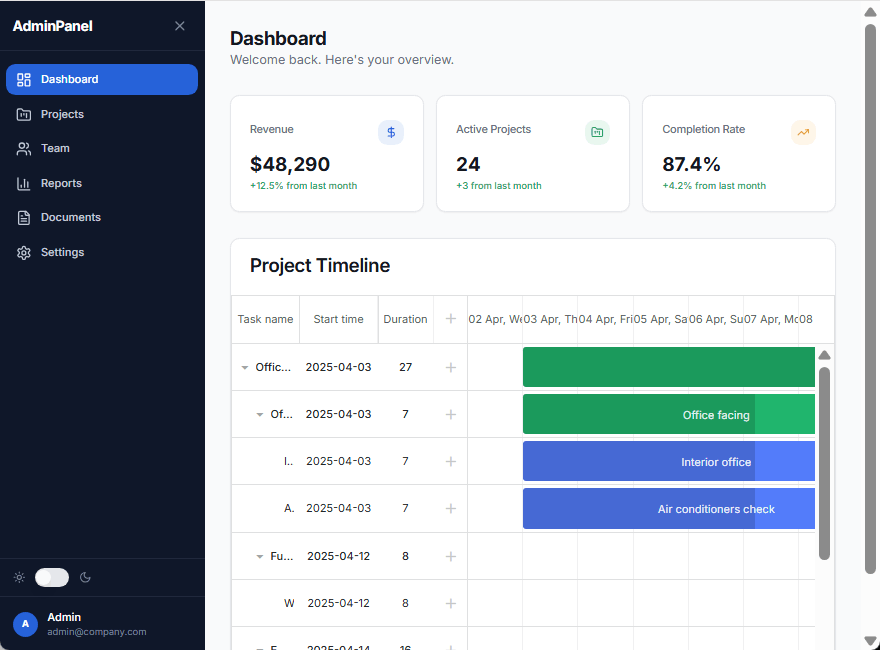
As a result, Lovable successfully applies the requested configuration. This approach is perfect for more complex scenarios of AI-assisted frontend development, where prompts alone or a limited Knowledge Base are not enough.
Here is the live demo of the React project with the embedded Gantt functionality generated with Lovable AI.
Final Result
When integrating advanced UI libraries like DHTMLX React Gantt in the AI development workflow of Lovable, context is a key to success. With a reliable source of truth about the Gantt API, the AI app builder will reply to prompts as accurately as possible and implement the Gantt chart in the desired way. Prompts and a knowledge base are workable options in terms of context provision, but the MCP-based strategy promises the most reliable results. Therefore, if you want to minimize the possibility of errors in AI UI generation with Lovable and DHTMLX React Gantt, we recommend using the DHTMLX MCP server.
Next Steps
From here, you can:
- replace the trial Gantt with a licensed version,
- load real project data instead of static tasks,
- customize scales, columns, and interactions,
- turn the dashboard into a production-ready project planning software.