Planning Engine demos
Headless gantt engine
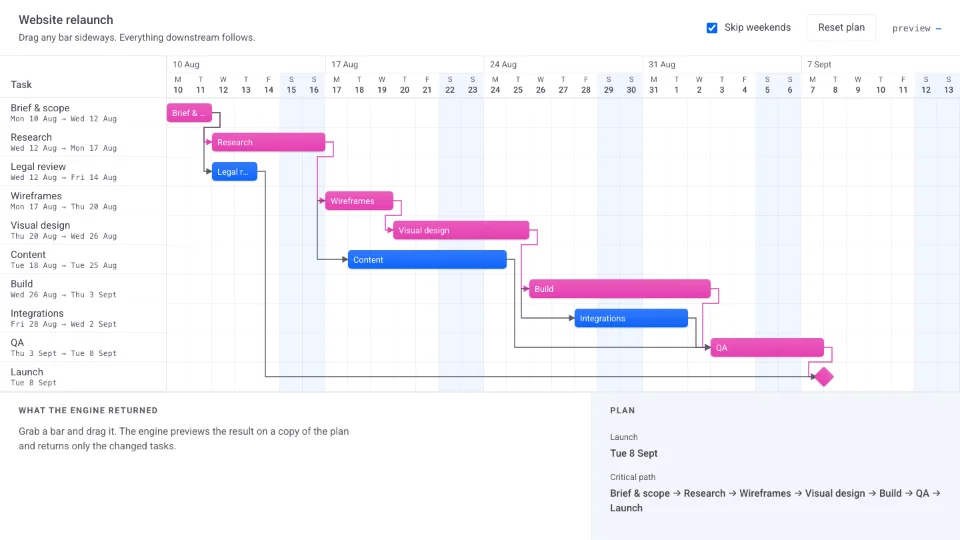
Drag one bar, the plan follows
Successors, weekends and phases update live while the user is still dragging.
Open demo →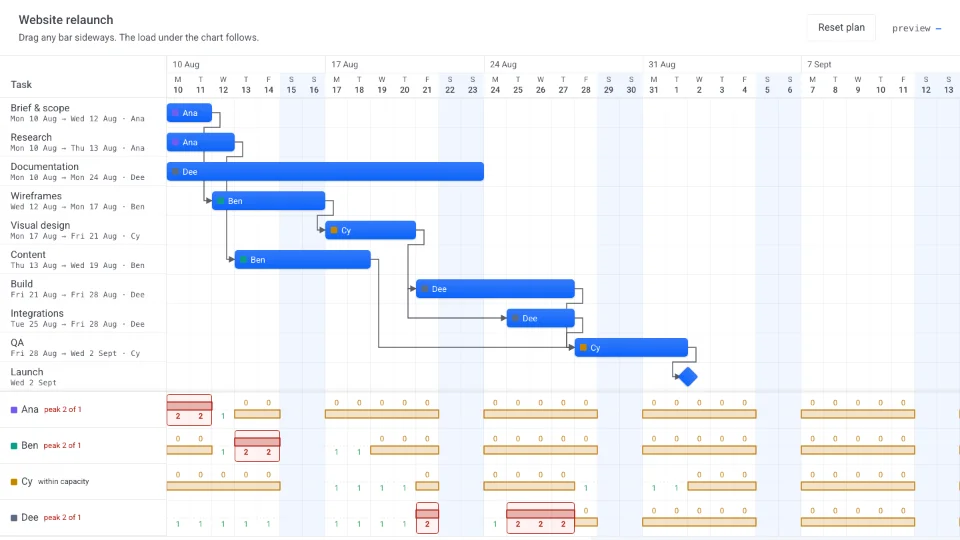
See who is booked, per person and project
A team load grid from one call: part-time calendars, leave, shared capacity and partial assignments, by day or by hour.
Open demo →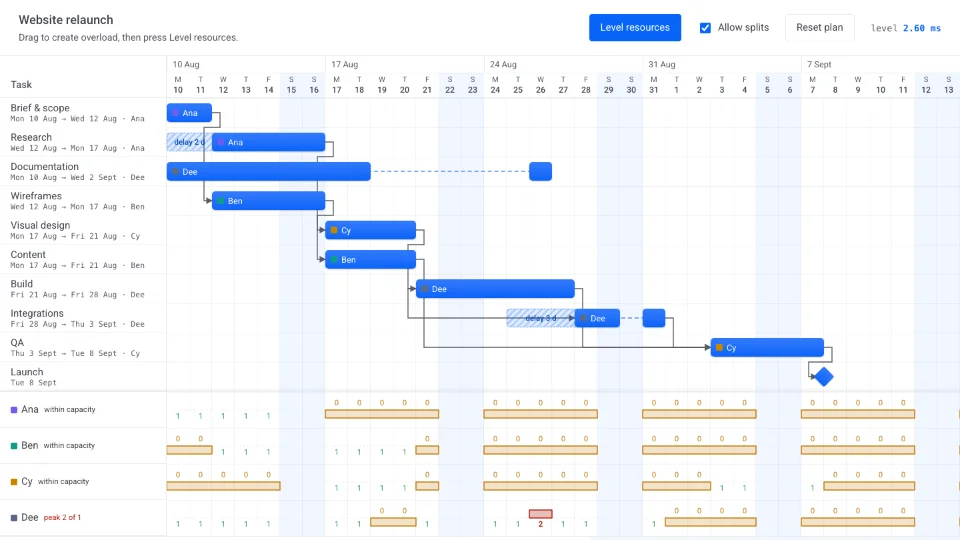
See who is overbooked, fix it in one click
One-click resource leveling that delays or splits tasks, with every change drawn on the chart.
Open demo →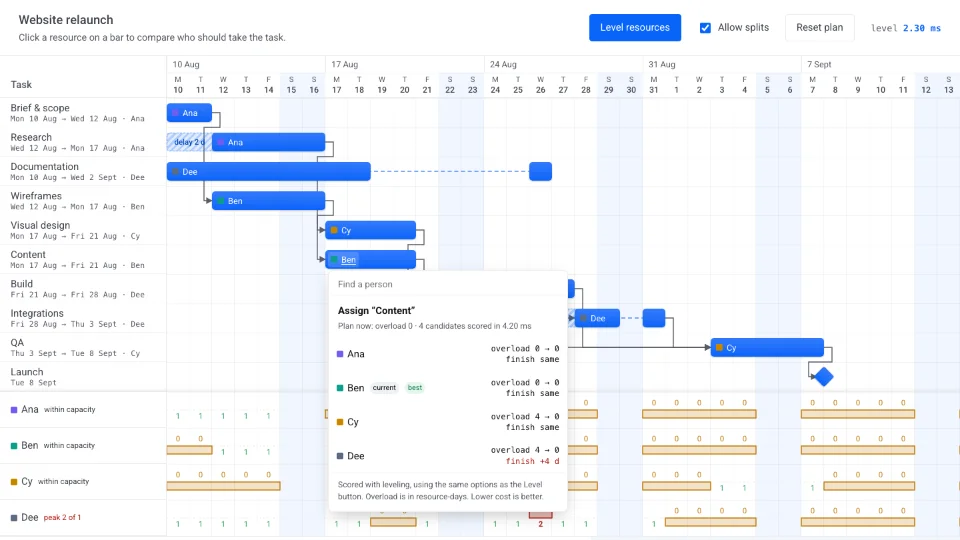
Who should take this task? Ask the engine
Compare every possible assignee by overload and finish date before you choose.
Open demo →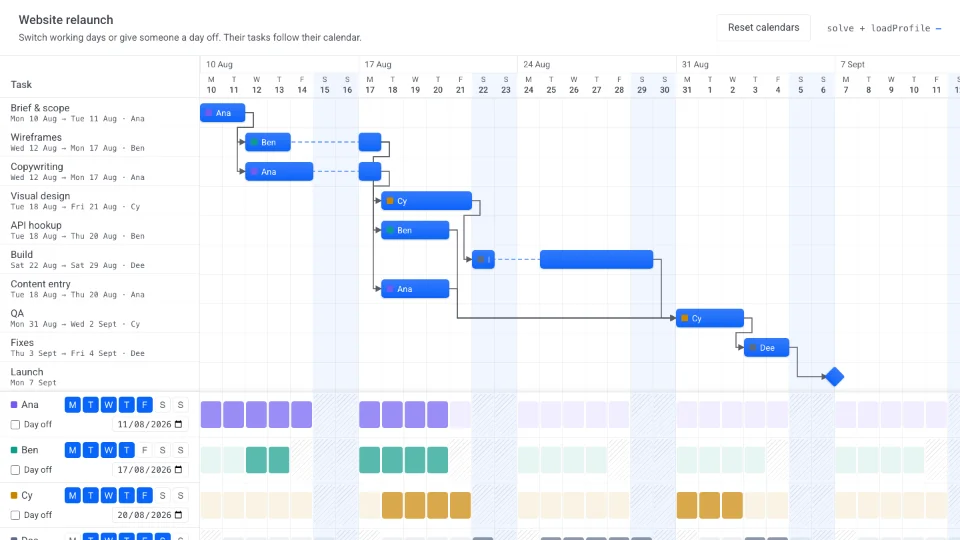
Change who works when, the plan reshapes
A working week and a day off per person. Every change is scheduled again on each person’s calendar.
Open demo →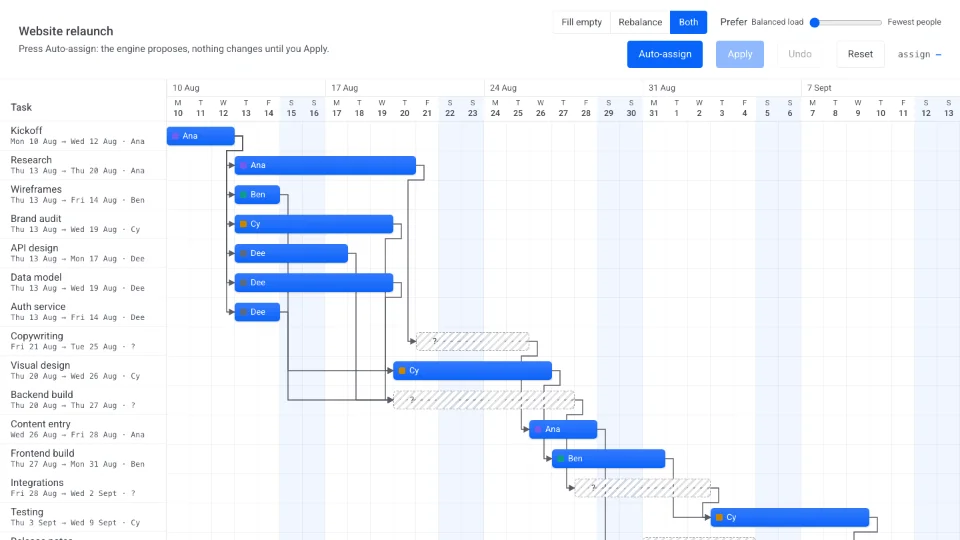
Messy plan, one click: auto-assign
The engine fills tasks nobody has and moves overloaded ones, then shows its proposal step by step before you apply it.
Open demo →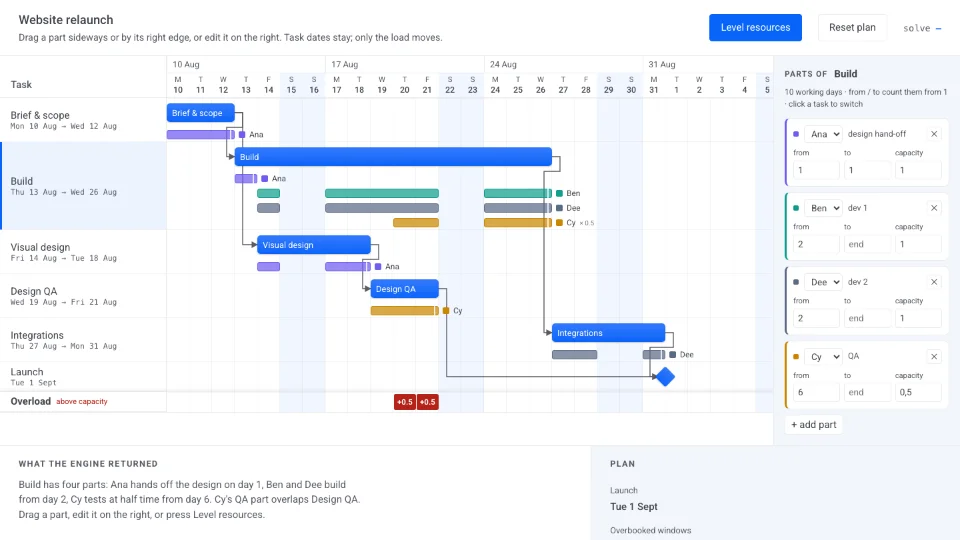
One task, several people, each for a part
Each assignment books a slice of the task. Drag a slice and the load moves while the task keeps its dates.
Open demo →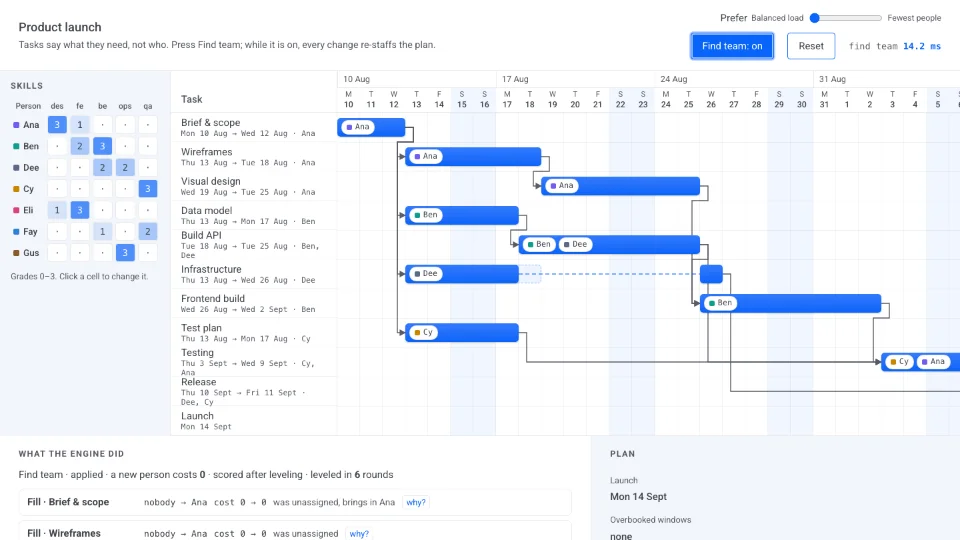
Say what the task needs, not who
Tasks ask for skills, not names. One press staffs the whole plan from a skills matrix and keeps it staffed as skills change.
Open demo →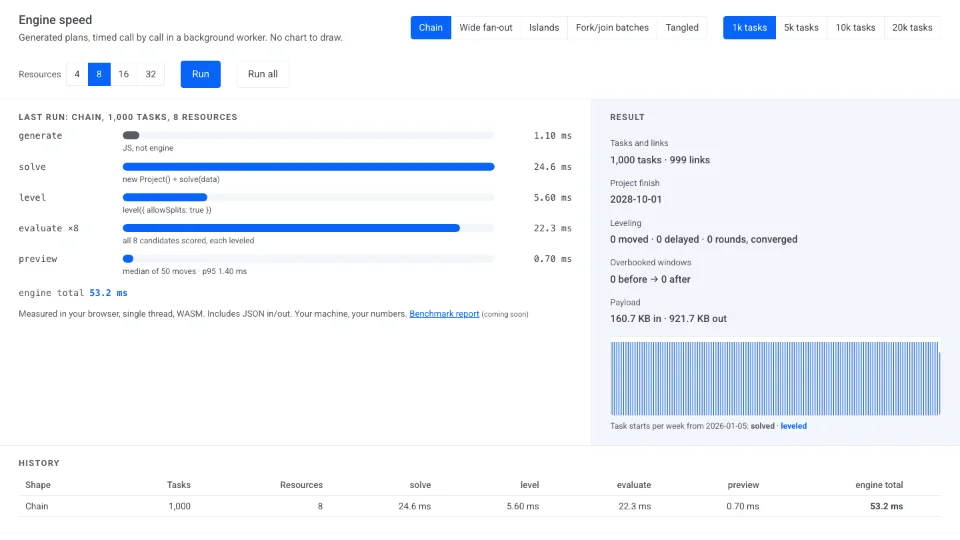
Thousands of tasks, milliseconds
Solve, preview, level and evaluate on generated plans of 100 to 10,000 tasks, timed in your browser.
Open demo →Usage with DHTMLX Gantt
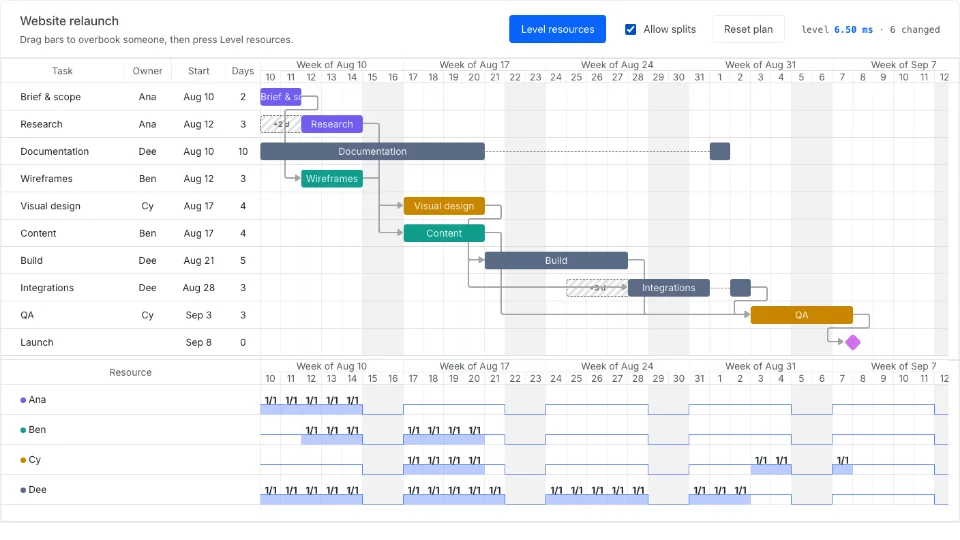
Level resources in dhtmlxGantt
The same leveling inside dhtmlxGantt: the chart schedules through the Planning Engine and a toolbar button levels it.
Open demo →No demos found
Adjust the search or clear it to see all demos.